

Knowing when to hold back, step in, or leave someone alone entirely - that’s the whole philosophy. An agent with perfect product knowledge that interrupts at the wrong moment is worse than one with average knowledge that waits for the right timing.
The Retail Store Analogy
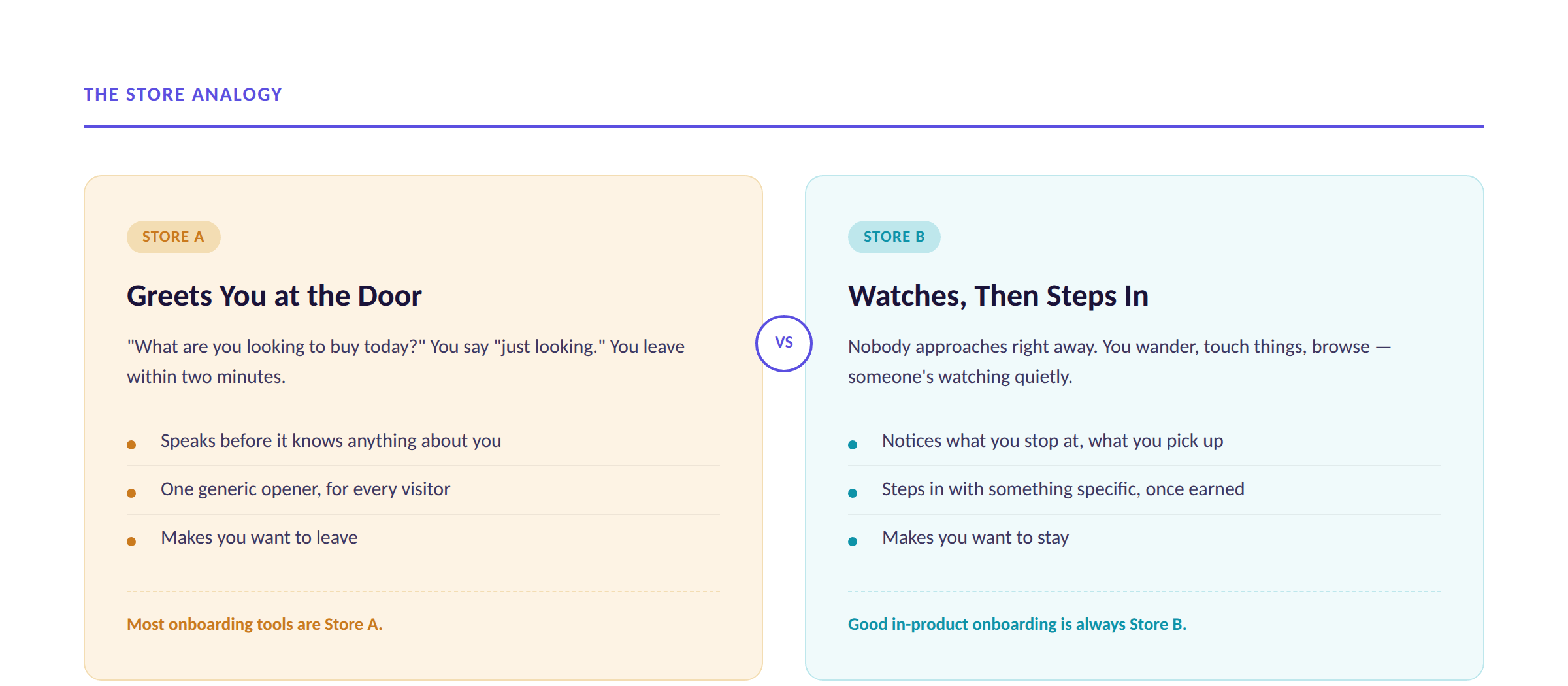
Two kinds of stores exist.
Store A: A salesperson greets you at the door as soon as you walk in - “What are you looking to buy today?” You’re a bit overwhelmed - you reply “just looking” and walk out.
Store B: Nobody approaches you right away. You wander, touch things, browse. The sales rep observes you - what you stop at, what you pick up. Then they step in with a personalized suggestion: “I saw you checking out those tops - we’ve got a bigger collection just over here.”
In-product onboarding should always feel like Store B. We build ours around these four rules.
Rule 1: Let Them Explore First
The moment someone lands in a new product, they need time to look around on their own terms before an agent says anything.
The agent watches for the first 8–30 seconds, silently
It’s collecting signal: what they clicked first, what they lingered on, what they opened then backed out of
Only once that window closes does it speak — shaped by what it just watched
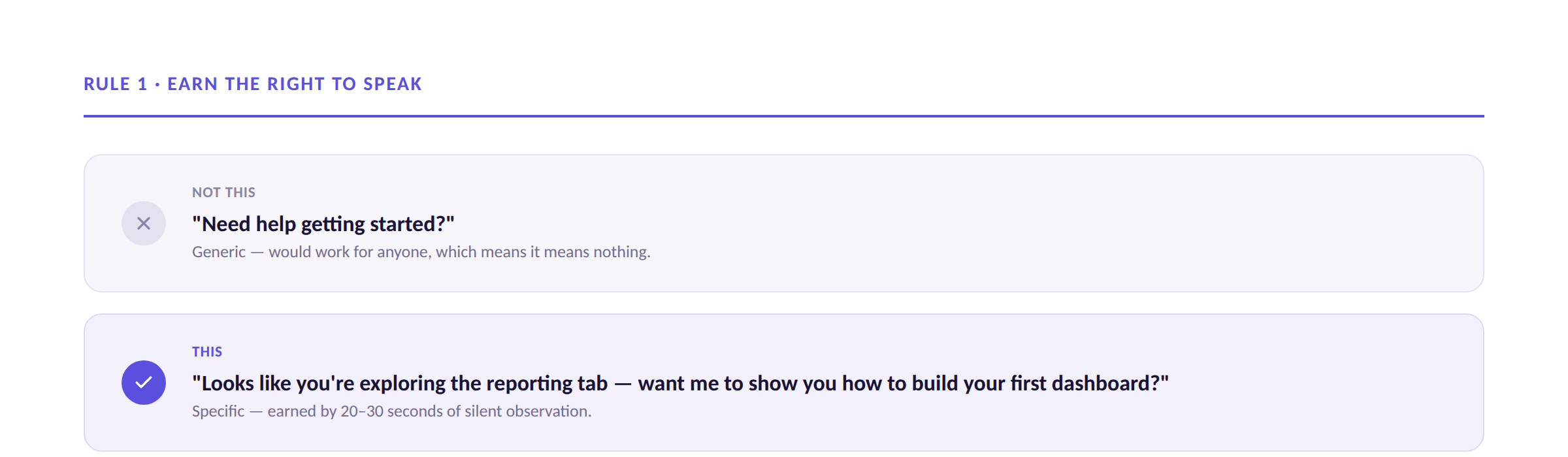
Not this: “Need help getting started?” - generic, works for anyone. This: “Looks like you’re exploring the reporting tab - want me to show you how to build your first dashboard?” - specific, earned by observation.
Rule 2: Two Cool-Down Periods, Not One
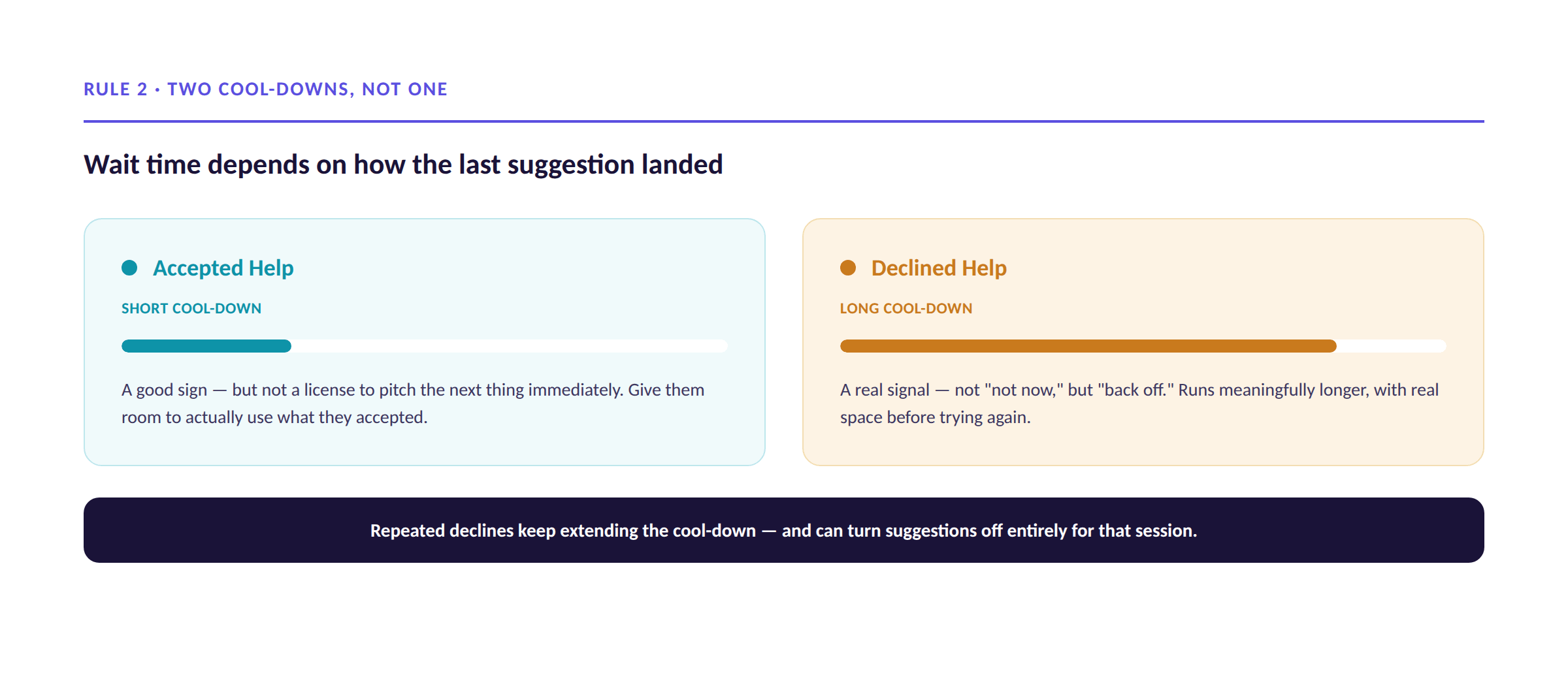
Most onboarding tools treat “wait time” as one fixed number. It isn’t — it depends entirely on how the last suggestion landed.
Accepted help: a good sign, but not a license to pitch the next thing immediately. Give the user room to actually use what they just accepted.
Declined help: a real signal. This cool-down runs meaningfully longer, and it compounds: repeated declines should turn proactive suggestions off entirely for that session.
Treating every “no” like the first one is how proactive help turns into nagging.
Rule 3: One Next Step at a Time
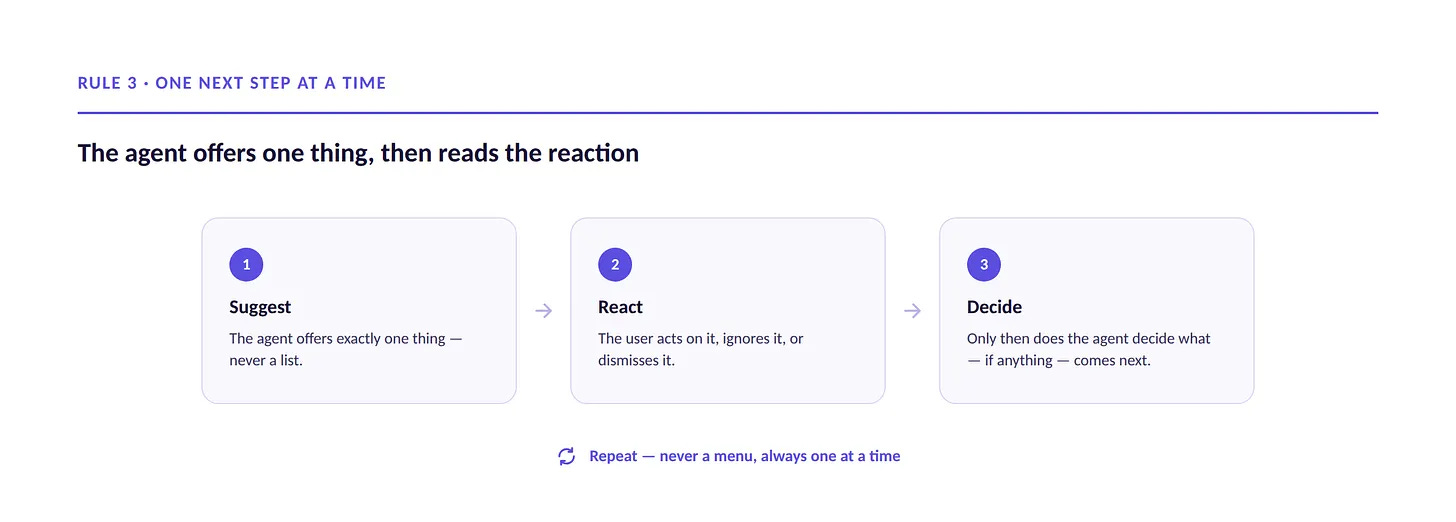
Remember your end users are overwhelmed with information and doing a million things at one time - Make their life easy!
When the agent steps in, it should offer one relevant call to action for the user to do. Not a list, not “here are three features you might like.”
Everyone’s already managing more information than they can process
A menu of options isn’t help - it’s more cognitive load with good intentions
One clear suggestion is actionable; a list is just more to read and process
How it flows: agent offers one suggestion → user acts, ignores, or dismisses it → only then does the agent decide what comes next → repeat.
Rule 4: Let the User Choose How To Execute Help
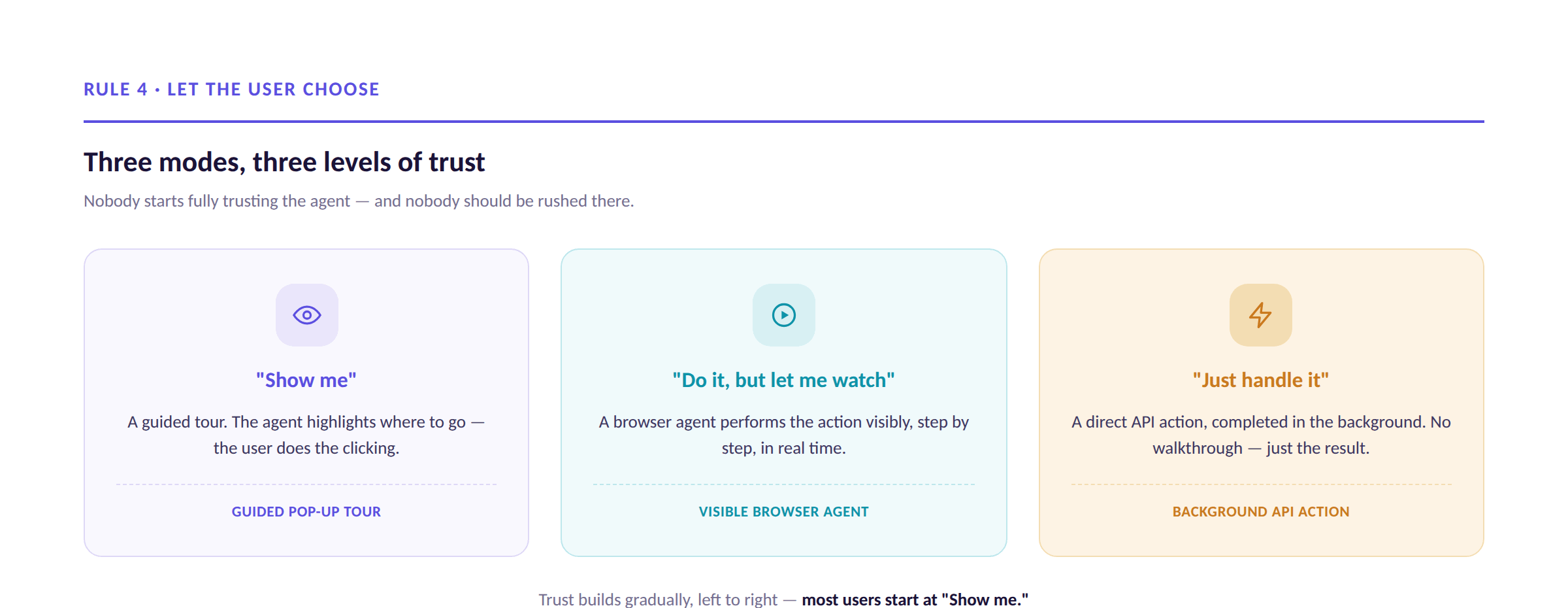
Not everyone wants the same kind of help - it also depends on the task at hand.
Three modes:
“Show me” - a guided tour. The agent highlights where to go; the user does the clicking.
“Do it for me, but let me watch” - a browser agent performs the action visibly, step by step.
“Just handle it” - a direct API action, completed in the background. No walkthrough, just the result.
These aren’t UI preferences - they’re levels of trust. A new user usually starts with “show me.” Someone who’s watched the agent get it right a few times might graduate further to just “do it for me”. The agent shouldn’t assume, or rush anyone into more autonomy than they’re ready for.
Putting It All Together
Every rule here is the same idea, at a different moment:
Earn the right to speak before you speak
Read hesitation as a real signal, not an obstacle to push past
Never mistake “more help” for “more helpful”
Let the user set the pace of trust
The best in-product onboarding doesn’t feel like onboarding. It feels like someone who noticed exactly what you needed, at exactly the moment you needed it - and who leaves you alone the rest of the time.
Philosophy & Best Practices: FAQ
Why wait 20–30 seconds before offering help at all? Acting before someone’s explored what you have to offer reads as intrusive, no matter how accurate the suggestion is. The window lets the agent observe real behavior instead of guessing.
Is the cool-down the same whether someone accepts or declines? No. Accepted help gets a shorter cool-down. Declined help gets a longer one - real space before trying again.
What happens if someone keeps ignoring suggestions? The cool-down keeps extending. Repeated declines can turn proactive suggestions off entirely for that session.
Why only one suggestion at a time? Onboarding competes for attention against everything else the user is juggling. One clear next step is actionable; a list is just more to process.
Does this mean the agent should almost never interrupt? Not never - but every interruption has to be earned by real context, not defaulted to. Restraint is a feature, not a limitation.
What are the three guidance modes? “Show me” (guided tour, user clicks), “do it for me but let me watch” (visible browser agent), and “just handle it” (background API action). Users should be able to choose.
Should new users start at the most autonomous mode? No. Trust builds gradually - most start with “show me” and graduate as the agent proves itself.
Discover how to build your own onboarding agent:
https://developers.autoplay.ai/quickstart